From project details to a client-ready website guide
This is a short visual walkthrough of the real offline builder. The screenshot below was captured from the tested macOS Chrome application. The example data is fictional and does not represent client work.
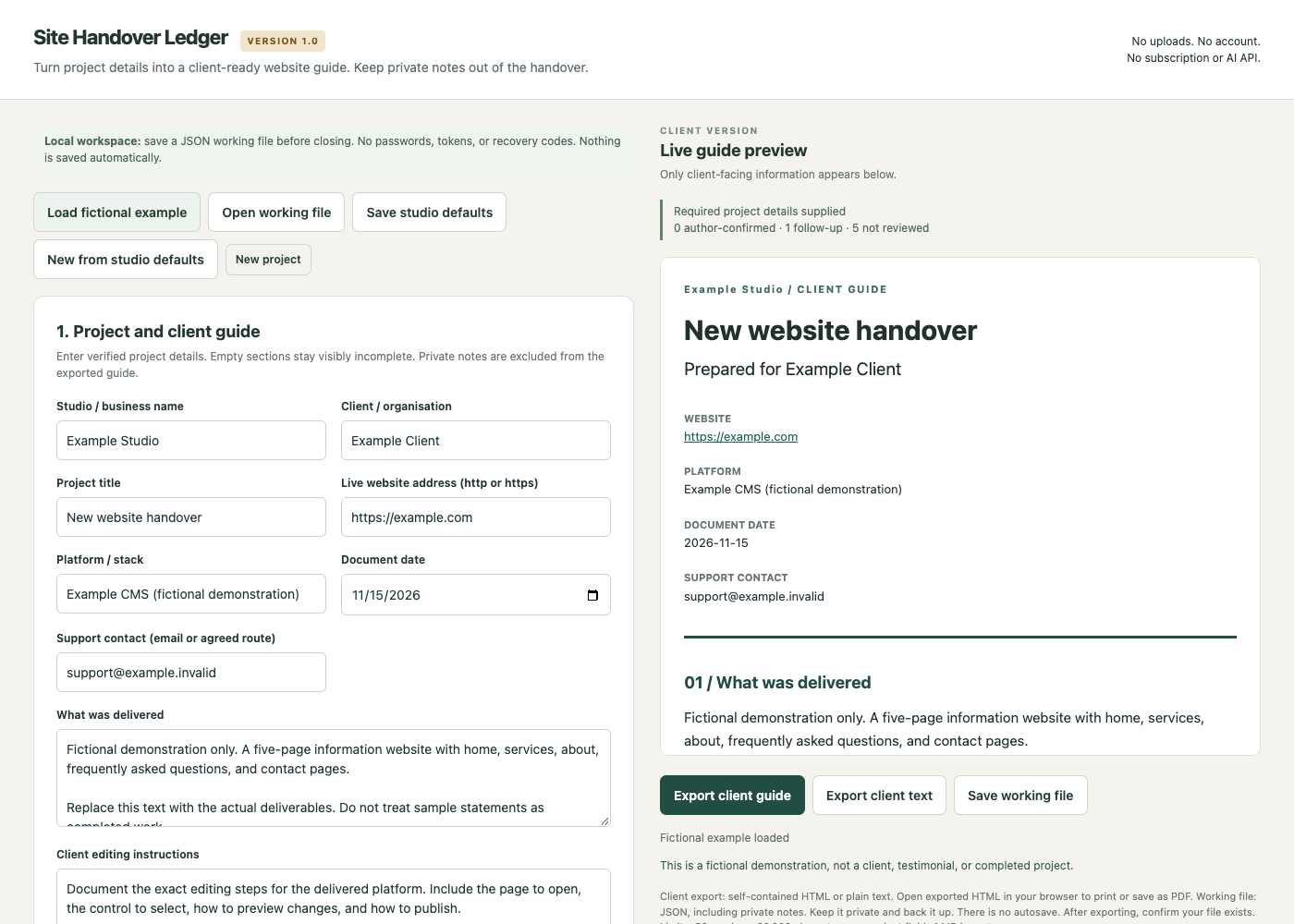
- Start with your own project details. Enter the site, contacts and instructions you have verified. The app also has a clearly labeled fictional example for orientation.
- Track ownership, renewals and handover checks. Identify who controls domain, hosting, content and recurring services, and mark unfinished verification as pending.
- Review the client-side preview. The exported guide leaves out the dedicated private-notes field. Other client-facing fields must still be checked before sharing.
- Save and export locally. Download the client-facing HTML or plain-text guide and your separate JSON working file. The builder has no autosave, cloud account or online sync.
Inspect the actual output: View the complete fictional client guide generated with version 1.0. It includes deliberately unresolved items, rather than pretending every handover check passed.
The related $19 offline builder is currently in pre-release. This visual walkthrough and the fictional example are free; there is no checkout or purchase available yet. Check current availability.
Tested locally on macOS Chrome 157 for offline operation and real downloads, and more narrowly on Firefox 156. Other platforms are not verified. The builder does not scan websites, certify completed work, or store passwords.